Log into your Google Tag Manager Account by going to https://tagmanager.google.com/
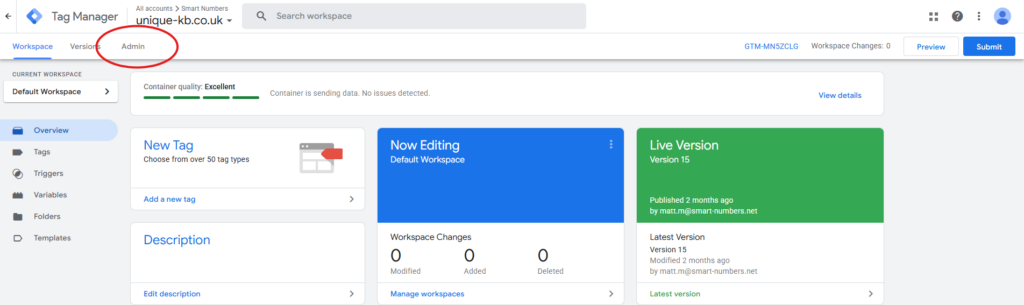
Navigate to "Admin"
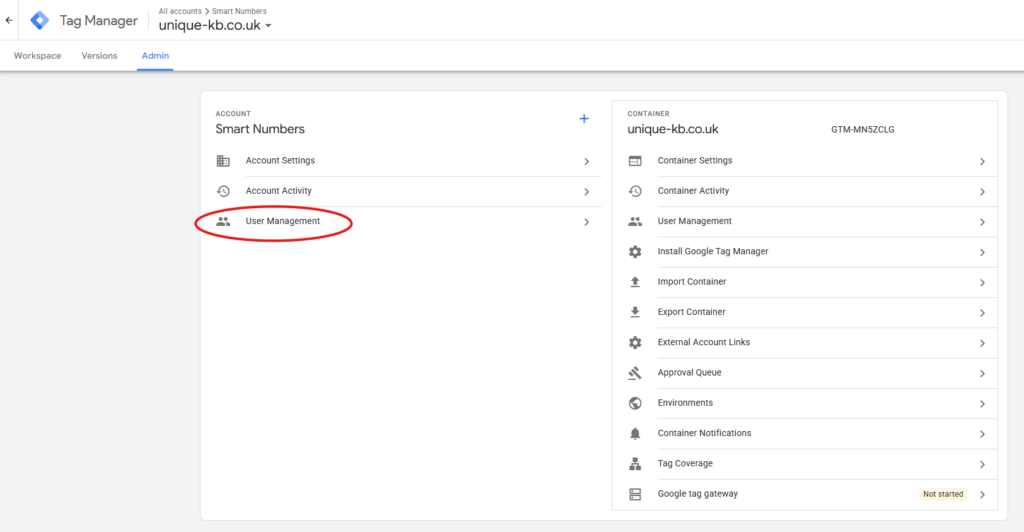
Then under "Account" click "User Management"
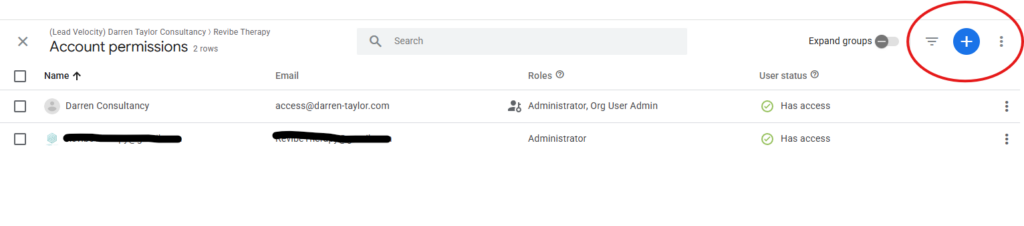
Then add "access@darren-taylor.com" and any other requested Lead Velocity team email addresses required for access (this will have been shared via email) - To do this, click the blue "+" icon in the top right corner
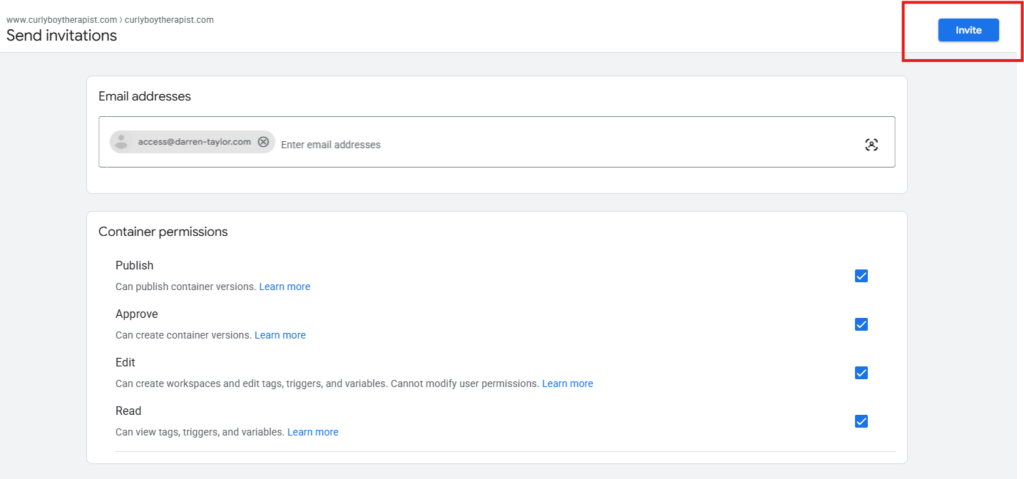
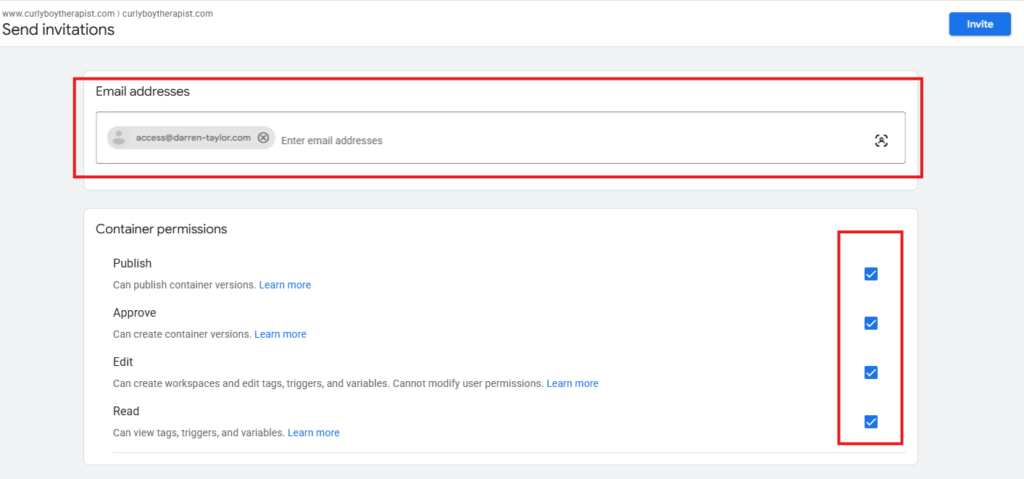
Then add the users requested by entering the email addresses in the top field. be sure to grant all container permissions
Then add the users requested by entering the email addresses in the top field. be sure to grant all container permissions
Finally, click the blue invite button